
Work / Construction
Websites for construction companies in Toronto.
Design-build, custom homes, heavy civil, road work and renovation. Five construction firms run on sites I built, and the sector has needs a generic template never covers: project galleries that load fast, service area pages that rank, and quote forms that actually reach someone.
5
Construction clients
22
Requests, leanest build
10
Years building sites
The pattern
Most construction sites are a brochure with a phone number.
They were built on a multipurpose theme, the gallery is a plugin nobody can update, and the whole thing takes five seconds on a phone. Meanwhile the firm has twenty years of finished projects sitting in a folder, which is the only thing a prospective client actually wants to look at.
The work is not complicated. It is a content model that fits how a construction business really operates, and a build lean enough to load where your clients are standing.
Sectors I have built for
- Design-build and custom homes
- Renovations and additions
- Heavy and civil construction
- Road building, paving and excavation
- Handyman and small trades
What the sector needs
Six things a construction site has to get right
Project galleries that do the selling
Construction is bought with the eyes. Past projects need filtering by type, location and scale, with images that stay sharp without costing you three seconds of load time.
Fast on a phone, on site, on bad signal
Your clients look you up standing in a half-finished basement on one bar of LTE. A theme that needs four seconds and 6 MB is a lost enquiry.
Trust signals above the fold
Years in business, certifications, insurance, service areas. Homeowners and general contractors are both checking whether you are real before they read a word.
Quote requests that reach you
A form that posts into a plugin database nobody checks is worse than no form. Enquiries should land in your inbox and your CRM, with the project details attached.
Service area pages that rank
You do not serve everywhere. Pages for the municipalities you actually work in will outrank a single generic page every time.
Content your team can update
New project finished on Friday? Someone in the office should be able to post it Monday without calling a developer.
Proof
Five construction firms, five builds
Four on WordPress with Sage 10, one as a Next.js app. Every one of them started from a Figma design.
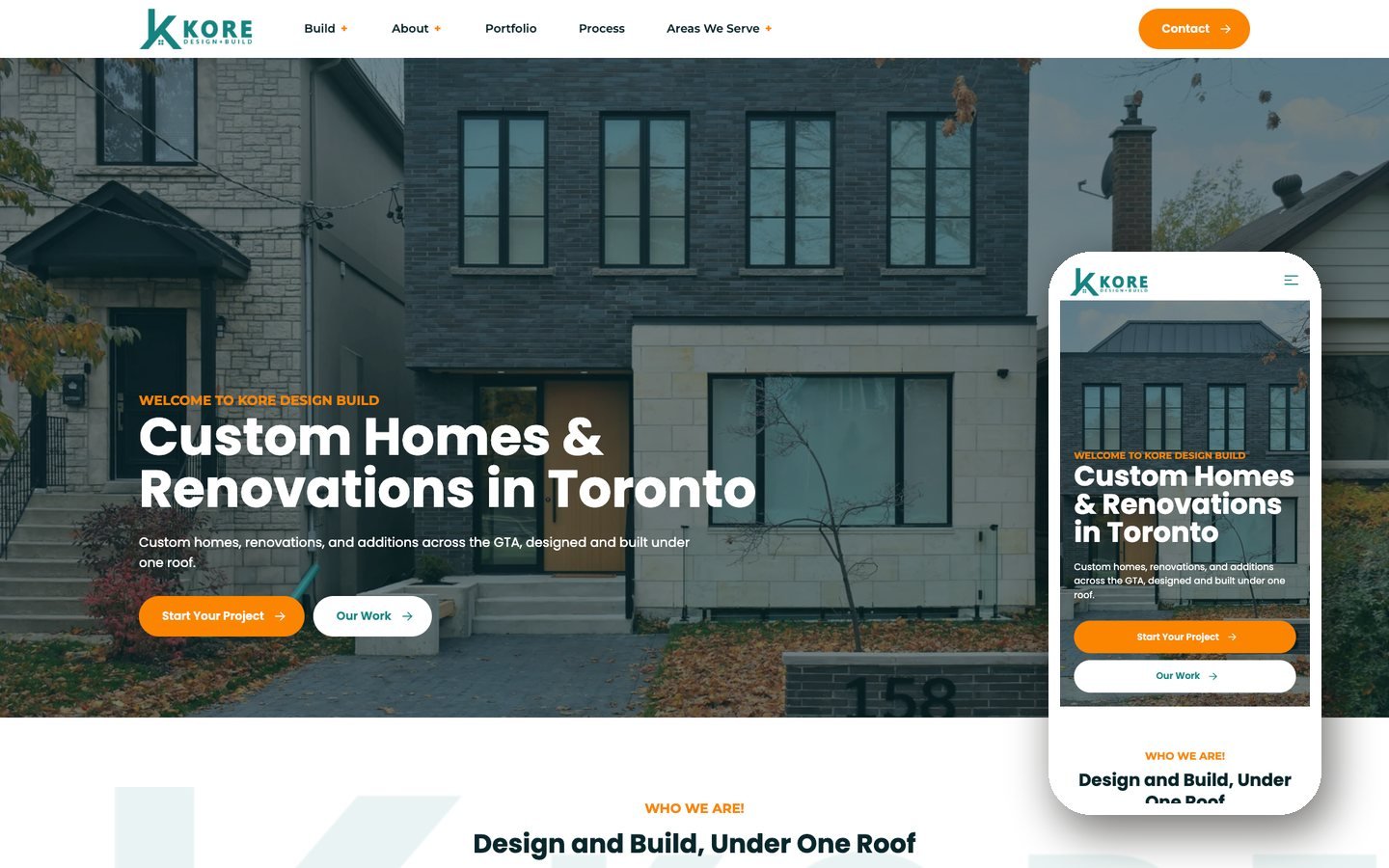
Design-build
Kore Design+Build
Custom homes, renovations and additions across the GTA. Designed in Figma, built on Sage 10, and I run their SEO.
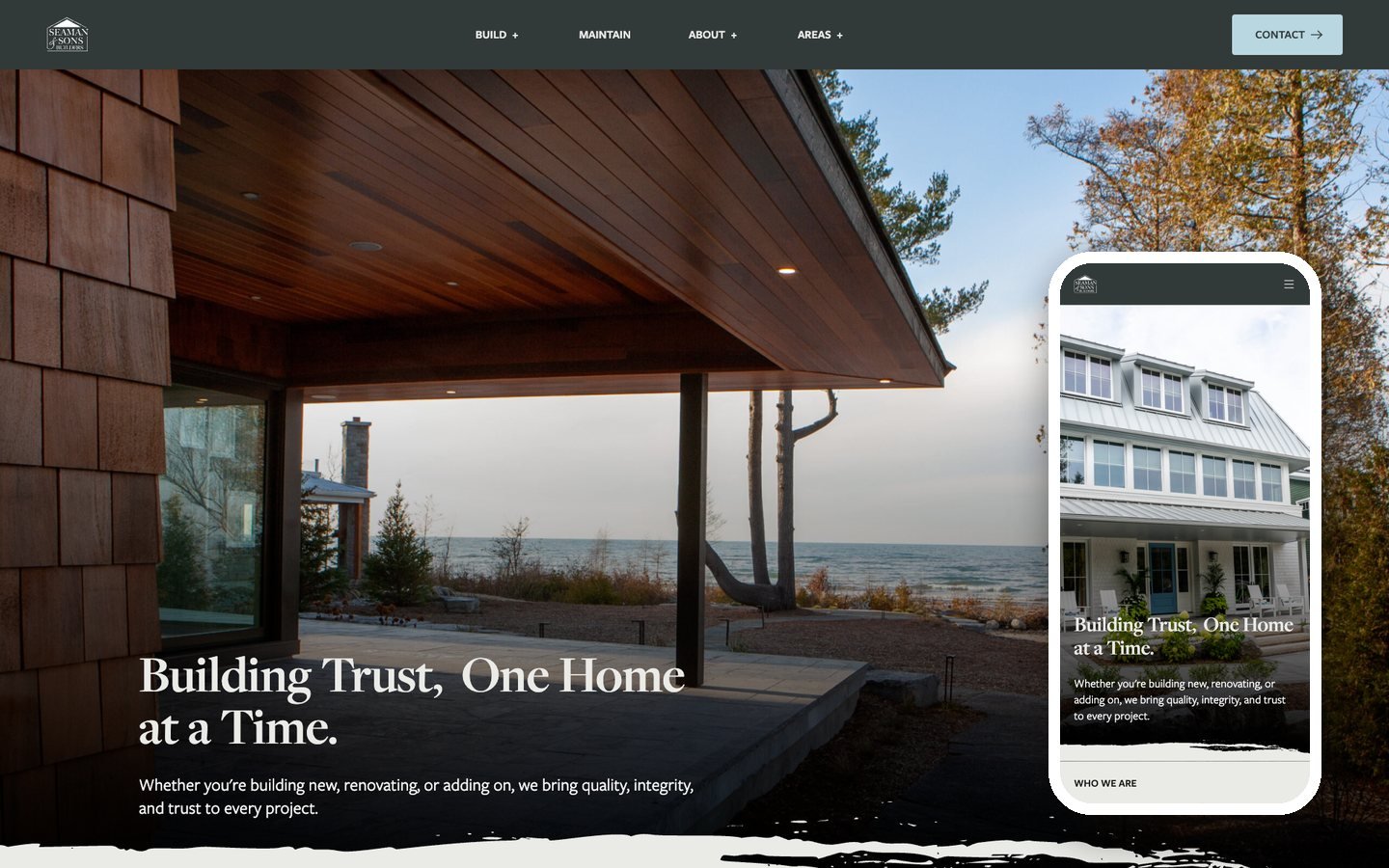
Custom homes
Seaman & Sons Builders
Custom home builders in Ontario. Agency Figma design converted to a Sage 10 theme with ACF blocks and Gravity Forms.
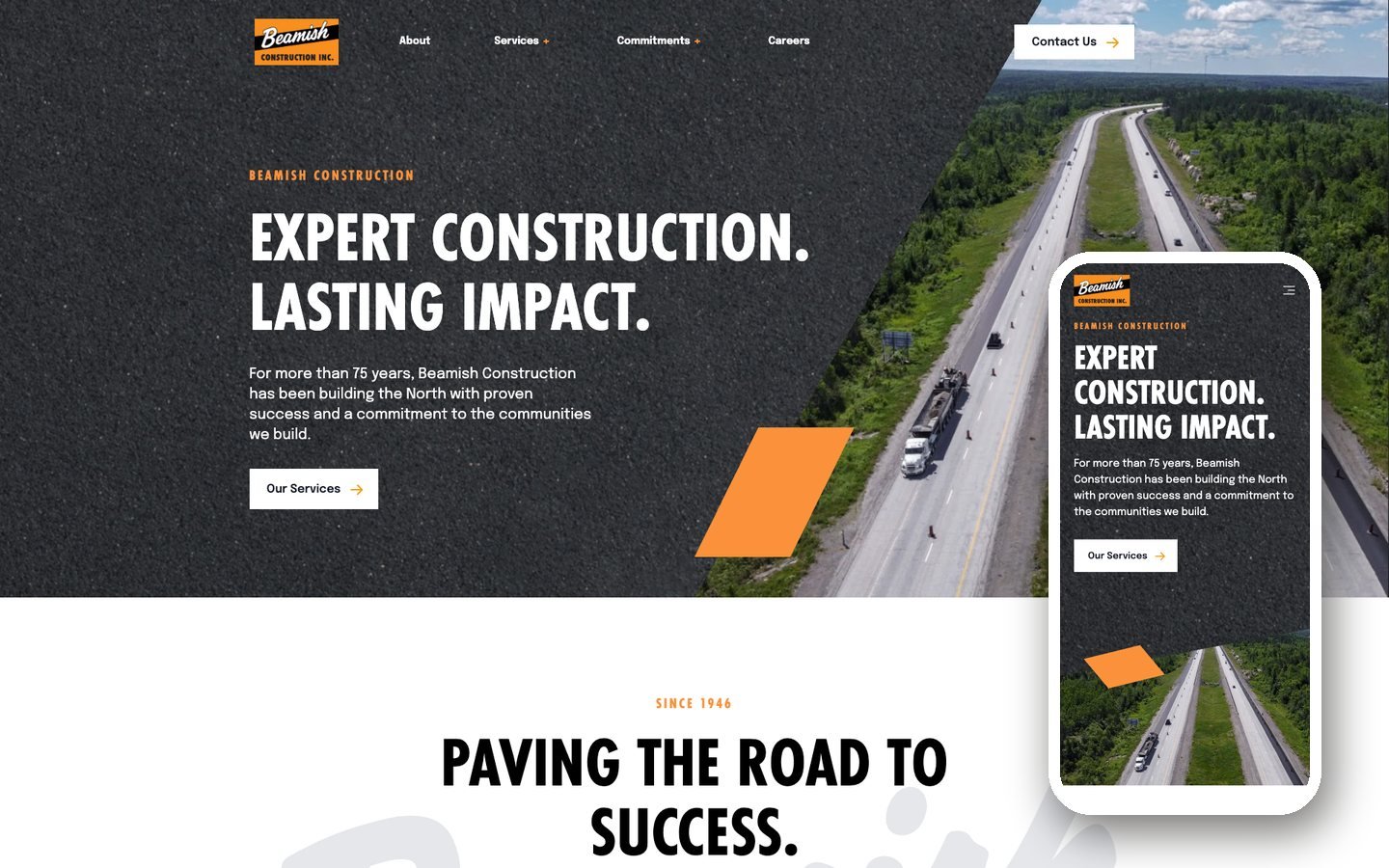
Heavy construction
Beamish Construction
Building northern Ontario for over 75 years. Sage 10 theme sharing its architecture with a sister company.
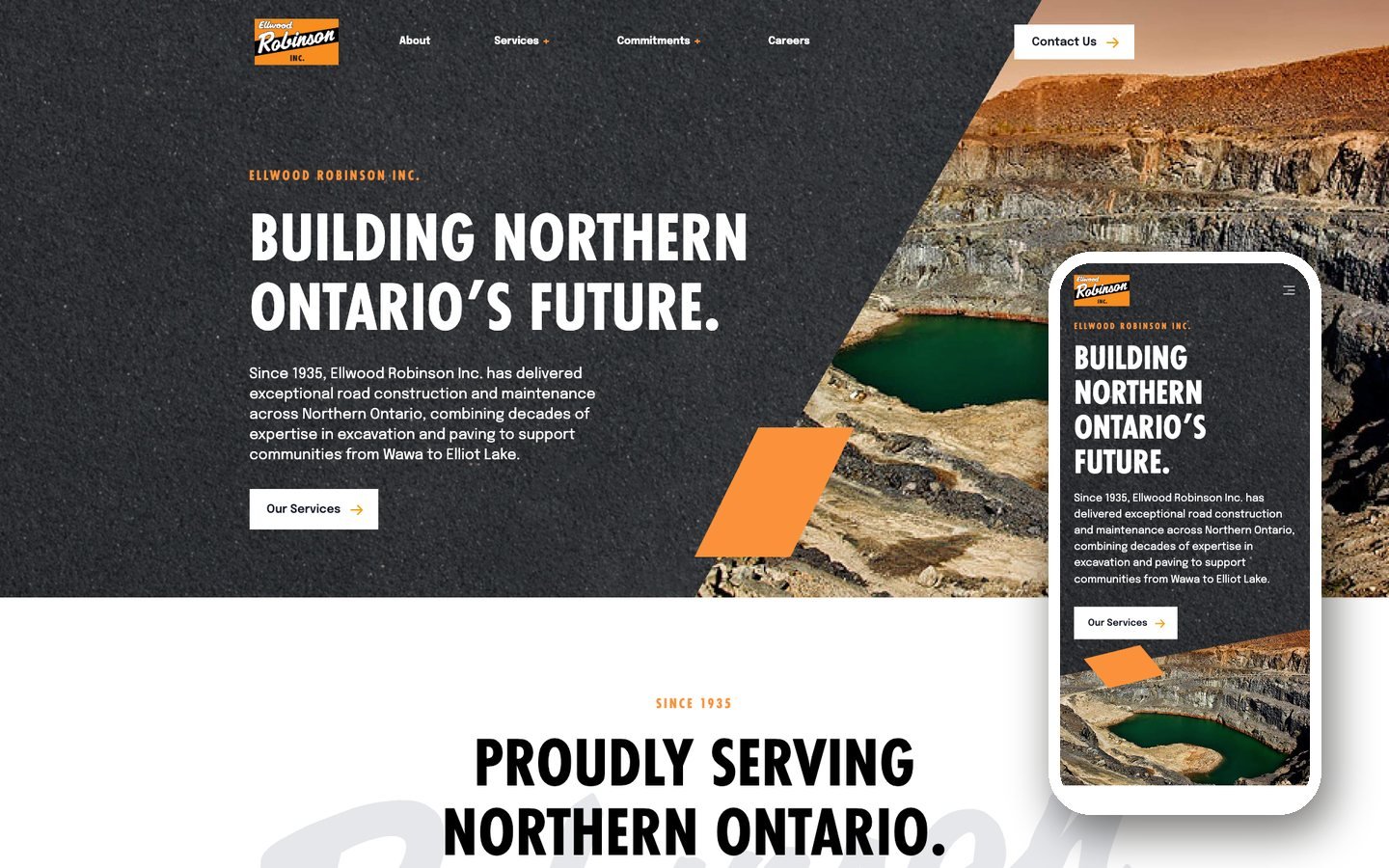
Road & excavation
Ellwood Robinson
Road building, paving and excavation since 1935. Built alongside Beamish on shared foundations.
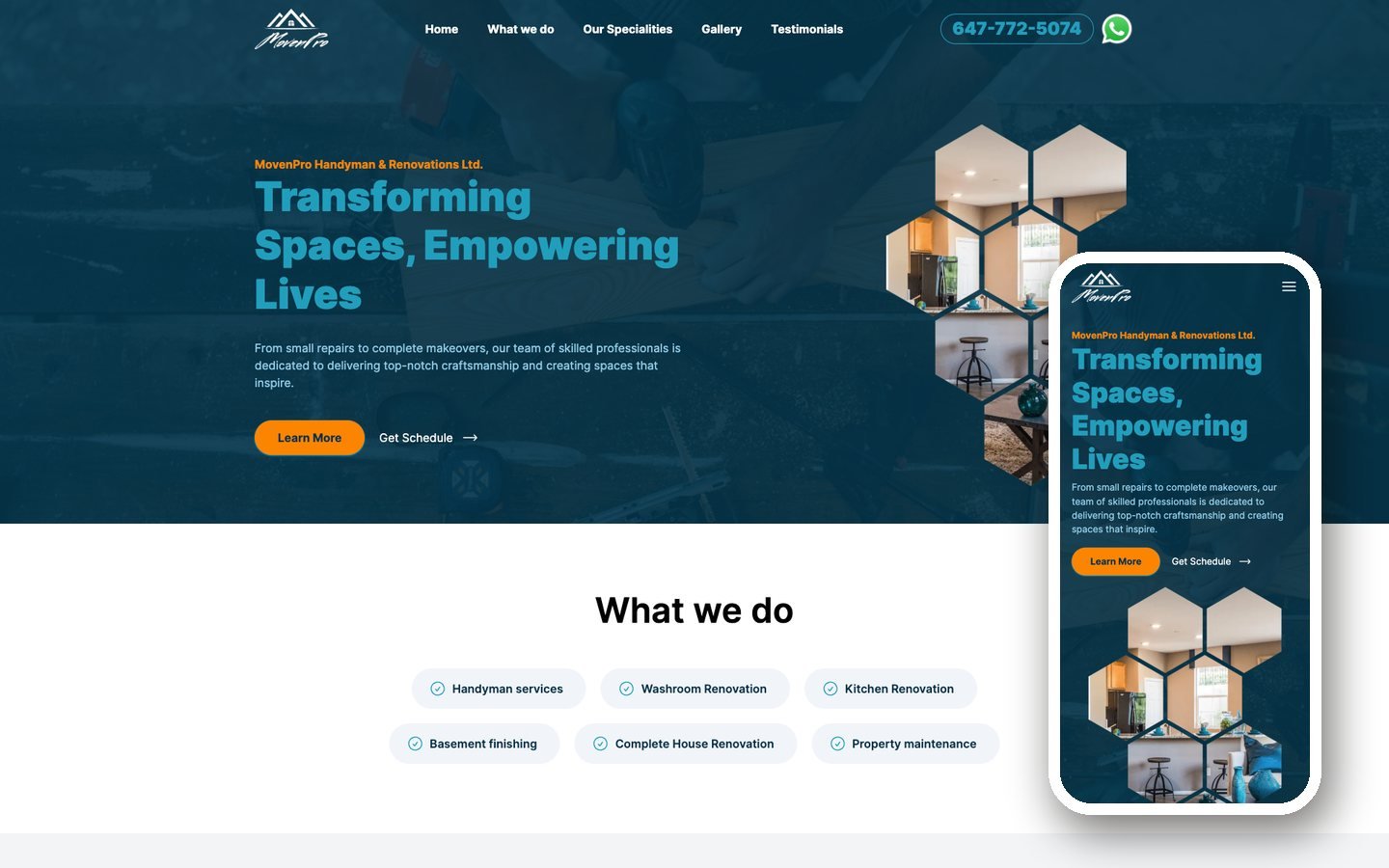
Renovation
MovenPro
Handyman and renovation work in Burlington. Designed and built as a Next.js app in TypeScript.
How they are built
Lean by default
A Sage 10 theme with Blade templates, ACF for the project portfolio and Gravity Forms for quote requests. No page builder, no plugin sprawl.
Measured on koredesignbuild.com
22
total requests
1.9 MB
page weight
175 MS
server response
A typical multipurpose construction theme runs 80 to 150 requests before a single project photo loads.
FAQ
Common questions
Anything not covered here, just ask.
No. Most of my construction clients are in Ontario, from the GTA up to the north, and I work remotely with the rest. Being in Toronto means I keep Eastern hours and can meet in person when a project warrants it.
Yes, and it is worth planning properly. I inventory every URL, map the redirects before launch, validate on staging, then monitor Search Console for the first 30 days. That process has not cost a client a ranking yet.
Almost always. Construction photography is usually the strongest asset a firm has and the most badly handled. I resize, compress and serve responsive versions so a gallery of 40 site photos does not sink the page.
Projects become a custom post type with fields for location, scale, type and images. Editors add a project once and it appears in the gallery, the filters and any related listings automatically.
Most builds land between $4,000 and $12,000 CAD depending on how many templates and whether you need service area pages. You get a fixed price in writing before anything starts.
30 days of fixes are included. Beyond that, some clients take a care plan and some take ongoing SEO. Kore Design+Build has been on ongoing SEO with me since launch.