
What I Do / Figma to WordPress
Figma to WordPress, built by a developer who reads the file properly.
You paid a designer for a considered Figma file. It should not come back with the type scale ignored, the spacing rounded to whatever was convenient and six copies of a component that was meant to be one. I convert professional designs into custom WordPress themes in Toronto, and the build matches the file.
7
Figma files built
22
Requests, leanest build
0
Page builders used
The usual problem
Most conversions lose the design in translation.
The build comes back close enough to sign off but wrong in every detail that mattered. Spacing that was on an 8px rhythm is now arbitrary. A component that existed once is now duplicated across four templates, so changing it means changing it four times.
Usually that happens because the file was rebuilt in a page builder by someone reading it as a picture rather than a specification. I read it as a specification.
What I check before quoting
- Unique templates against repeated ones
- Whether components and variants are real
- Type scale and spacing consistency
- Which states and breakpoints are missing
- Integrations hiding behind static frames
How the conversion works
Six steps, the same every time. You see staging from the first week rather than waiting for a reveal at the end.
01
Design audit
I go through the file before quoting: how many unique templates, which components repeat, where the type scale and spacing are consistent and where they are not. Anything ambiguous gets a question rather than a guess.
02
Component inventory
Repeated elements become one reusable block instead of six near-identical ones. This is the step that decides whether the site stays maintainable in year two.
03
Theme architecture
A Sage 10 theme with Blade layouts and partials. Design tokens from the file go into the Tailwind config and get mirrored into theme.json, so the editor only offers colours and sizes that exist in the design.
04
Fields and blocks
Every editable region becomes an ACF field group behind a custom Gutenberg block. Editors compose pages from real template partials, not shortcodes or page-builder widgets.
05
Responsive passes
Most Figma files define desktop and maybe one mobile frame. I build the range in between and send you the breakpoints that were not drawn so you can approve them.
06
QA against the frames
Side by side against the original, at each breakpoint, checking type scale, spacing rhythm and states. Then browser and device testing, accessibility pass, and performance budget.
Design to code
What survives the handoff
Figma concepts have direct equivalents in a well-built theme. Here is how each one lands.
Auto-layout
Becomes flex containers with real gap and padding values, not absolute positioning.
Components & variants
Become Blade partials with props. One component in Figma is one partial in code.
Text styles
Become a Tailwind type scale mirrored into theme.json, so editors cannot go off-brand.
Colour styles
Become design tokens and the editor palette. The off-brand options simply are not there.
Spacing
Becomes a consistent scale. Where the file drifts, I normalise it and tell you what changed.
Prototypes
Become real interaction: menus, accordions, modals, form states, focus order.
Proof
Seven builds from Figma files
Four of these came from a Toronto marketing agency design team. Two I designed myself before building. One more launches shortly.
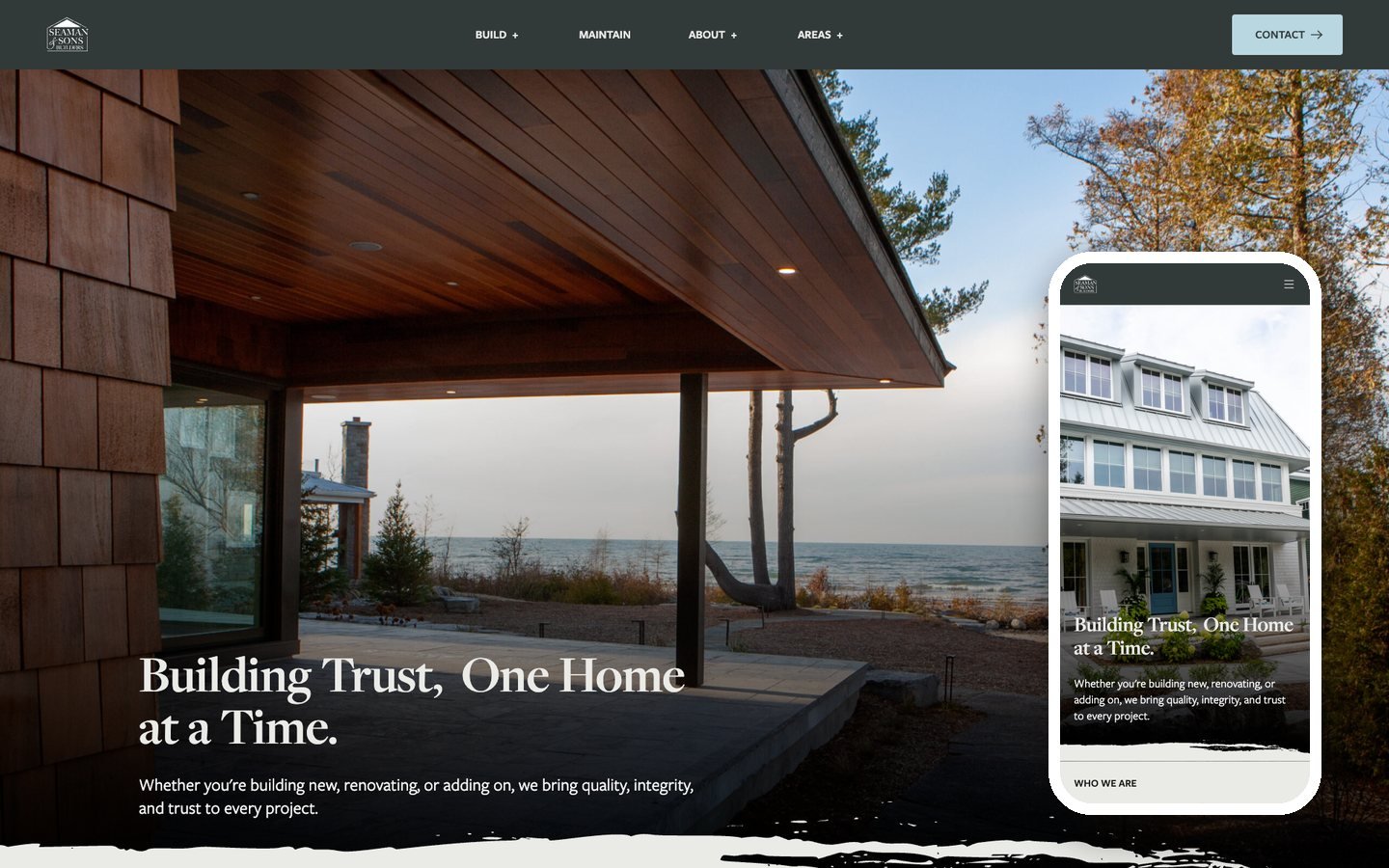
Agency design
Seaman & Sons Builders
Custom home builders in Ontario. Sage 10, ACF blocks, Gravity Forms.
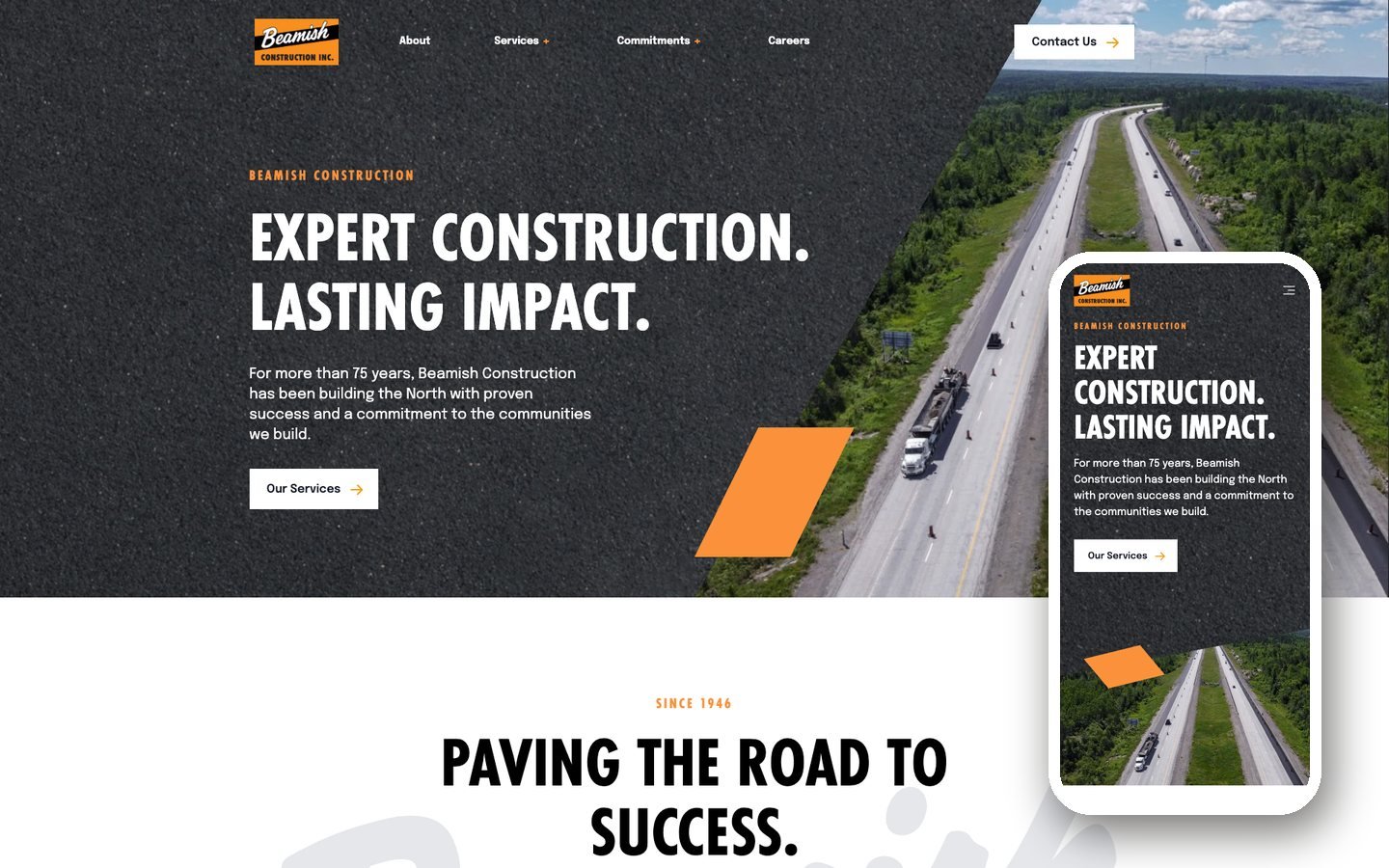
Agency design
Beamish Construction
Sage 10 theme from a Figma file, with a sister site sharing the architecture.
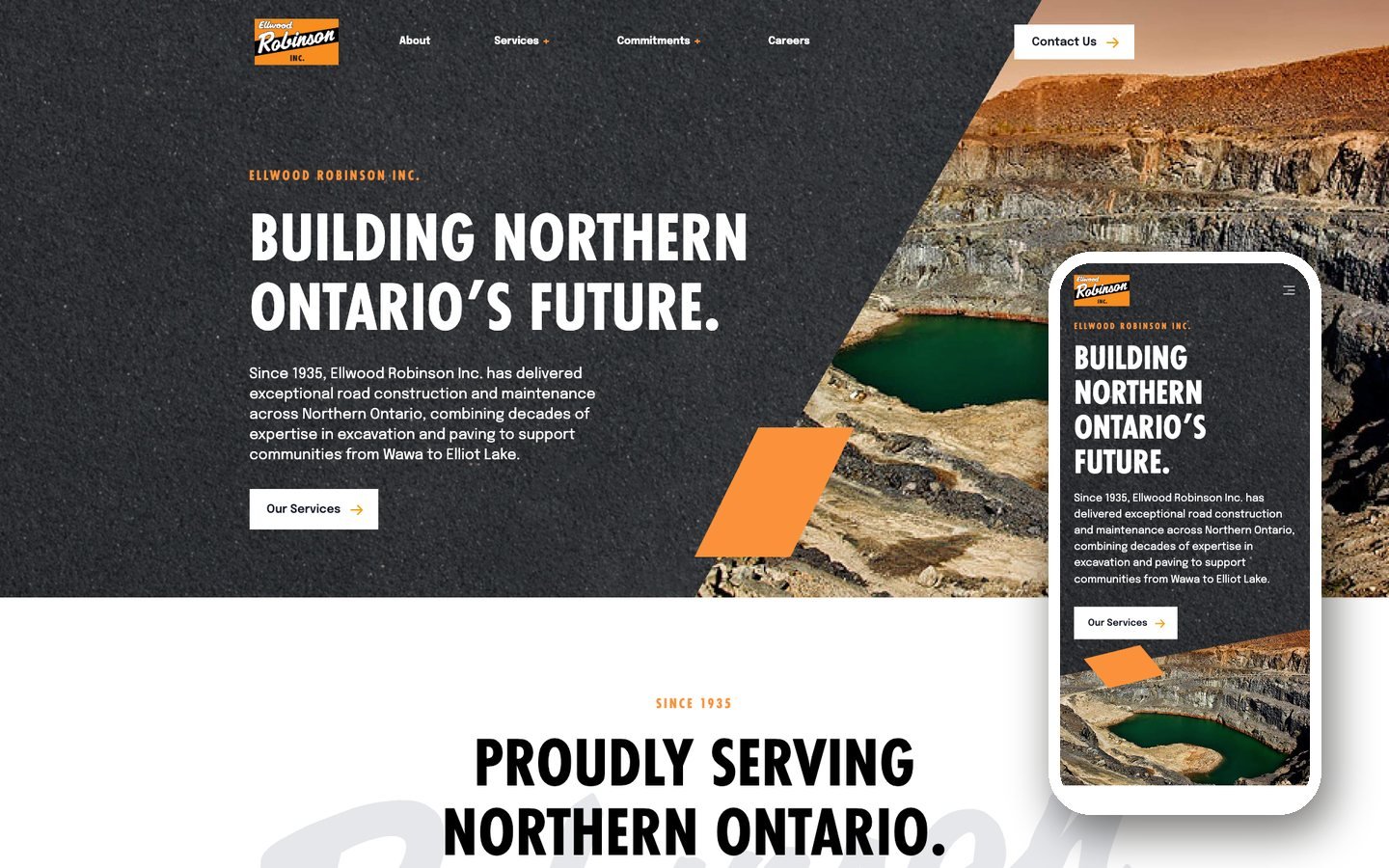
Agency design
Ellwood Robinson
Road building and excavation. Same architecture as its sister company, separate theme.
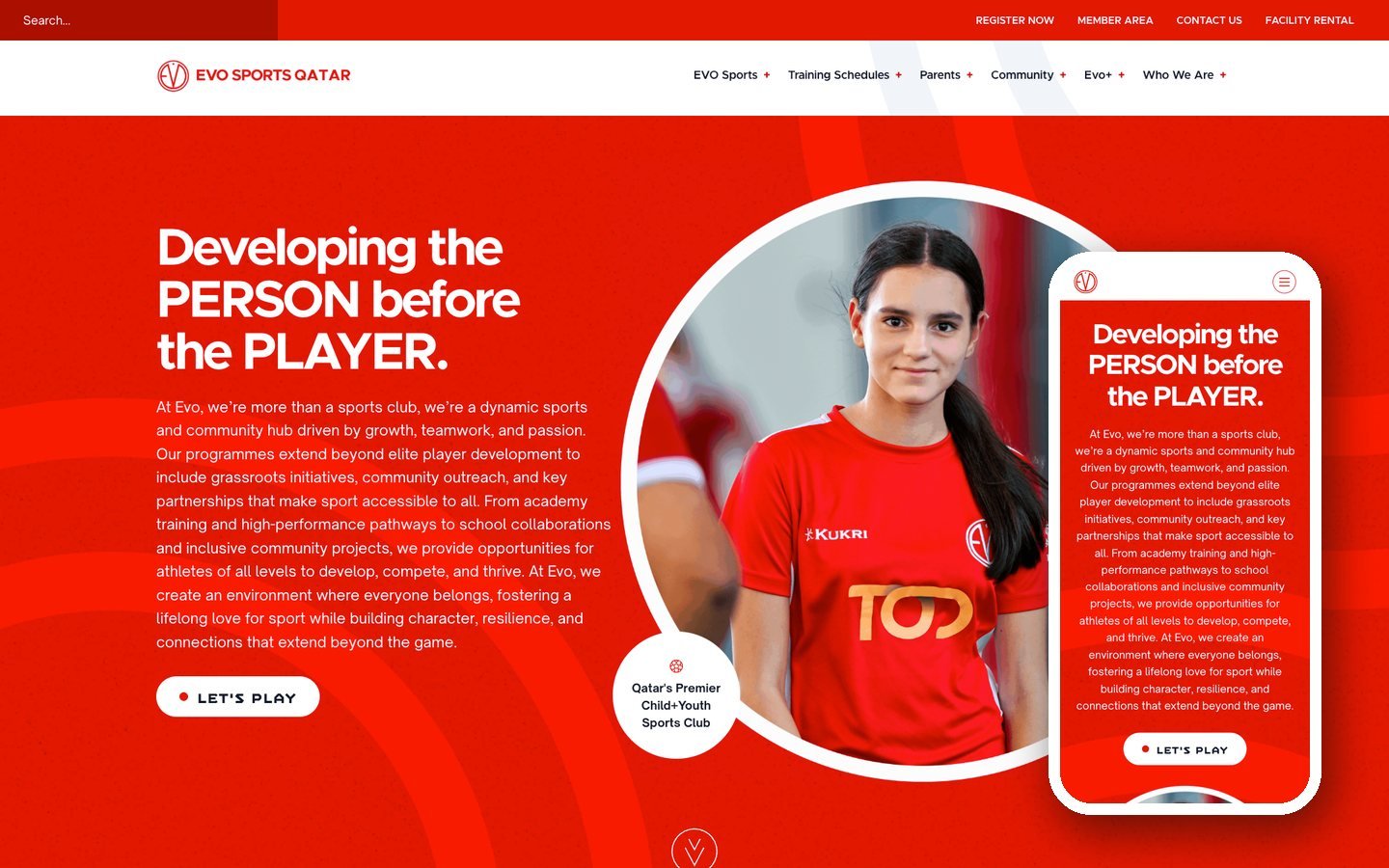
Agency design
Evo Sports Qatar
A sports academy. The scheduling data came from the agency back end and had to fit a demanding design.
My own design
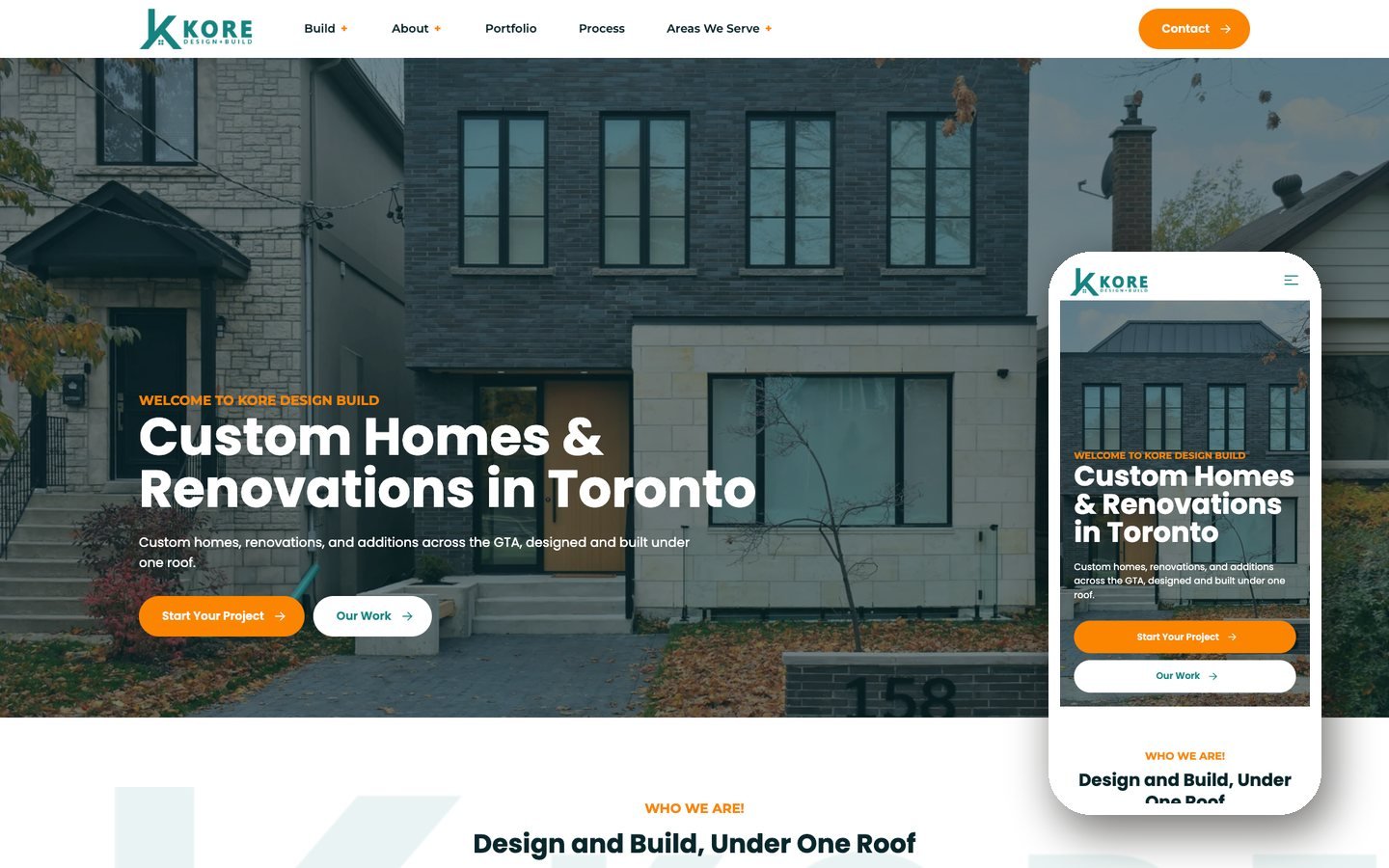
Kore Design+Build
Designed in Figma and built by me. The whole site loads in 22 requests.
My own design
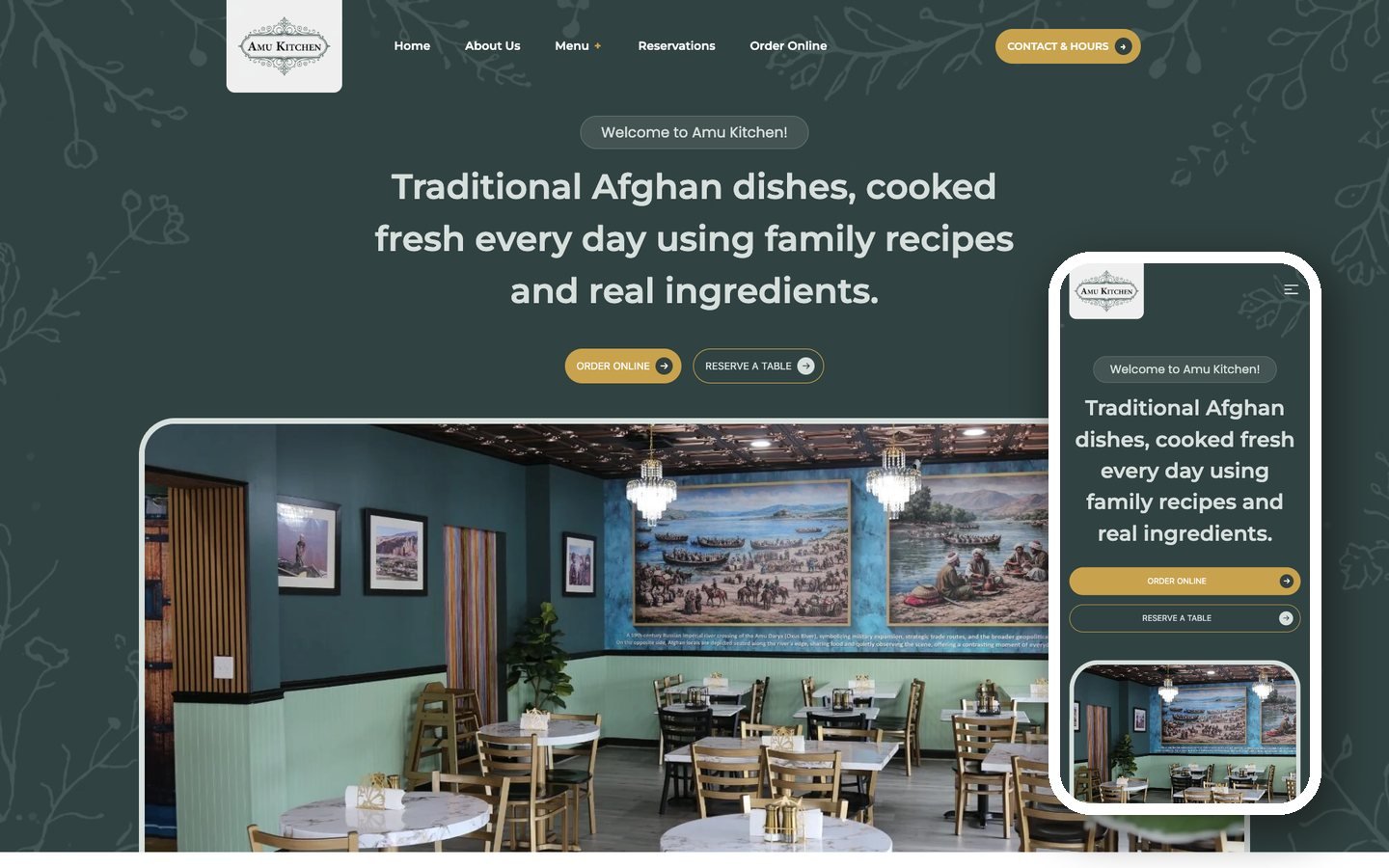
Amu Kitchen
An Afghan restaurant in Washington DC. Figma design, Sage 10 build, full menu system.
What you get
- Versioned theme repo you own
- Staging and production deploys
- ACF field groups your editors understand
- Custom blocks, not shortcodes
- Editor walkthrough and written docs
- 30 days of fixes after launch
Timeline & price
Fixed before we start
A single landing page is usually under a week. A multi-template marketing site typically runs three to five weeks and lands between $4,000 and $12,000 CAD depending on template count and integrations.
You get the number in writing before anything begins, along with what is explicitly out of scope.
FAQ
Before you send the file
Anything not covered here, just ask. I answer honestly, including when the answer is that your file needs work first.
No. A tidy file with components and styles makes the build faster and cheaper, but I work from whatever exists. If the file is loose I will tell you what I am normalising before I start, so there are no surprises when you compare the build to the design.
Auto-layout maps almost directly onto flexbox, which is how I build. Frames with auto-layout become flex containers with the same gap and padding values. Frames positioned absolutely need judgement calls, and those are the ones I will ask you about.
They can edit everything that should be editable, and nothing that should not. Content, images and section order sit in ACF fields. The type scale and colour palette are limited to what the design defines, so pages cannot drift off-brand.
Most files I get define desktop and sometimes one mobile frame. I build the breakpoints in between and send them for approval rather than inventing them silently. If you want the designer to draw them first, that works too.
Yes, and it makes the result better. I would rather ask one question than make five assumptions. Several of these builds came from a Toronto marketing agency design team and the back and forth was part of the process.
A single landing page is usually under a week. A multi-template marketing site is typically three to five weeks depending on template count and integrations. You get a staging URL from the first week, so you are never waiting for a reveal.